Summary
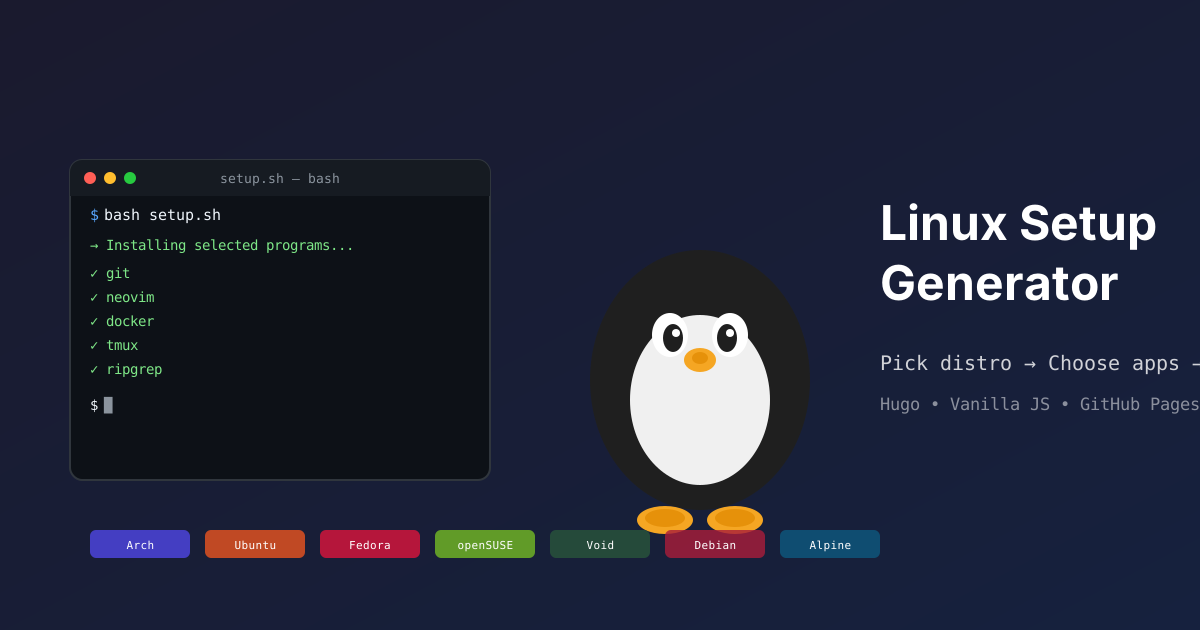
Installing Linux is easy. Reinstalling all your programs after a wipe is a nightmare. You hunt down package names, copy-paste commands, and always forget half of them. Linux Setup Generator replaces all of that with a 3-step wizard:
- Pick your distribution
- Click the programs you want
- Copy or download your install script
Everything runs in the browser. No account, no backend, no data collection.
Why it’s useful
- 291 programs across 69 categories — from terminals to window managers, IDEs, browsers, and audio tools
- 7 supported distributions: Alpine, Arch, Debian, Fedora, openSUSE, Ubuntu, Void
- Distro-aware package names — each program knows which package name to use for your distro (e.g.
chromiumon Arch →chromium-browseron Ubuntu) - 161 custom install scripts for programs not available in official repos — npm global, cargo, AppImage, builds from source…
- Automatic dependency resolution — pick a program, its dependencies are included without you thinking about it
Tech stack
- Hugo — static site, builds in < 5 seconds
- Vanilla JS — 136 lines, zero npm dependencies
- GitHub Pages — automatic deployment via GitHub Actions
- No backend — the entire script is generated client-side by a
ScriptGeneratorclass
The clever bit
The architecture is purely data-driven. Adding a program is creating a folder with a program.json (and optionally an install.sh). No database, no API, no centralized config. The ScriptGenerator reads the JSON injected into the page by Hugo, resolves dependencies with a DFS topological sort, and generates a bash script tailored to your distro.